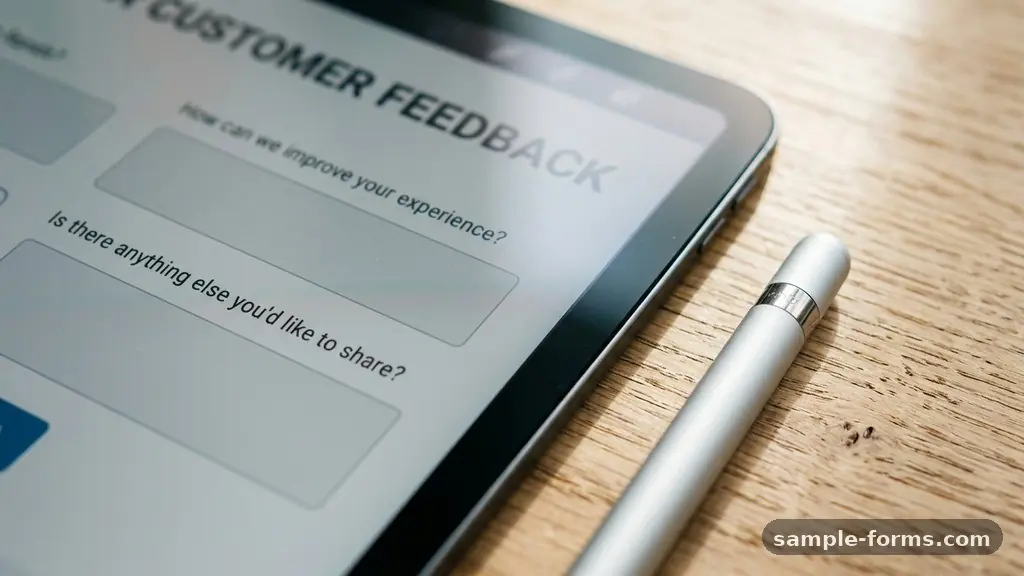
Crafting customer feedback form questions that collect useful responses requires a shift in perspective from asking what you want to know to asking what your users are actually thinking. When you design surveys with the intent of uncovering actionable insights, you move beyond vanity metrics and into the realm of genuine product improvement. This article explores the specific techniques and question structures that yield high-quality data.
By focusing on clarity, timing, and intent, you can build a feedback loop that directly informs your product development and helps you reduce churn effectively. Whether you are refining your UX or measuring loyalty, the right questions make all the difference in your conversion rate optimization.
The Core Principle of Actionable Feedback
The most effective approach to gathering data is to identify exactly how you intend to use the information before you even write the first question. If you cannot describe a specific action you would take based on a potential answer, the question is likely unnecessary. Useful responses come from surveys that respect the respondent’s time and focus on their specific experiences.
By limiting your form to five questions or fewer, you significantly increase the likelihood of completion and decrease the presence of survey fatigue. Focus on questions that address the “why” behind user behavior rather than just the “what.”
Measuring Sentiment with Standardized Metrics
Quantitative metrics provide a baseline for your performance and allow you to track trends over time. Using standardized scores like the Net Promoter Score (NPS) or the Customer Satisfaction Score (CSAT) gives you a benchmark that is easily understood across your entire organization. A simple Likert scale, typically ranging from one to five or one to ten, is the standard for these metrics.
Keep these questions near the beginning of your form to capture the immediate emotional response of the user. Once you establish the score, follow up with a single, open-ended question to understand the context behind the rating.
| Metric Type | Primary Goal | Common Scale |
|---|---|---|
| Net Promoter Score | Loyalty & Advocacy | 0 to 10 |
| Customer Satisfaction | Transactional Success | 1 to 5 |
| Customer Effort Score | UX Friction Identification | 1 to 7 |
Unlocking Insights with Open-Ended Questions
While quantitative metrics tell you that a problem exists, open-ended questions explain the nature of that problem. These questions are the most valuable tools in your survey design because they generate qualitative data that reveals user intent and specific pain points. Instead of asking “Are you happy?”, ask “What is one thing we could change to make your experience better today?”.
This phrasing forces the user to think about specific features or friction points they encountered. Always provide enough space for a thoughtful response, as constrained text boxes often limit the depth of the feedback provided.
Reducing Friction with Customer Effort Score
The Customer Effort Score (CES) is a powerful indicator of how intuitive your product or service actually is for the end user. If a customer has to jump through hoops to complete a task, they are significantly more likely to churn, regardless of how much they like the brand. Ask questions like, “How easy was it to resolve your issue today?” to pinpoint exactly where your workflow breaks down.
A high-effort score is a major red flag for your UX design team. Addressing these specific hurdles is often the fastest way to improve your overall retention rates.
Timing and Contextual Relevance
The relevance of your feedback form is often tied to the specific moment in the user journey when the survey appears. Avoid triggering a survey immediately upon a user logging in, as this interrupts their primary goal and creates immediate annoyance. Instead, trigger your feedback request after a specific event, such as completing a purchase or finishing a support interaction.
This contextual timing ensures that the user’s memory of the experience is fresh and accurate. You can learn more about the psychology behind these interactions through resources like the Nielsen Norman Group, which specializes in user experience research.
Avoiding Common Survey Design Pitfalls
Many companies inadvertently collect useless data by using leading questions that nudge the user toward a specific, positive answer. Avoid phrasing like, “How much did you love our new feature?” because it creates a clear response bias that invalidates your results. Always phrase your questions neutrally to allow for honest, even critical, feedback.
Additionally, avoid double-barreled questions that ask about two different things in a single sentence. If you ask, “How would you rate the speed and accuracy of our service?”, the user won’t know which aspect they are actually evaluating.
Analyzing Qualitative Data Effectively
Collecting the data is only half the battle; the real work happens when you begin the process of sentiment analysis. You should categorize responses by themes rather than just looking at individual comments. Use a simple tagging system to group feedback into buckets like “UI/UX issues,” “Pricing,” “Feature Requests,” or “Customer Support.”
This allows you to see if a specific issue is affecting a large portion of your user base or if it is an isolated event. Regularly reviewing these themes prevents you from overreacting to individual complaints while ensuring you don’t ignore recurring problems.
- Identify recurring keywords in user responses to spot trends early.
- Segment feedback by user persona to see if different groups face different challenges.
- Share anonymized feedback with the product team to foster a culture of customer-centricity.
- Close the feedback loop by informing users when their suggestions have led to actual changes.
- Review your survey questions every quarter to ensure they still align with current business goals.
Turning Feedback into Product Development
The ultimate goal of gathering information is to feed it directly into your product development pipeline. When you identify a consistent pain point through your feedback forms, prioritize a solution in your next development cycle. It is vital to communicate these changes back to your users to show that you are listening.
When customers see their feedback in action, they are much more likely to participate in future surveys. This cycle of listening and acting is the foundation of a successful, user-focused business model.
Frequently Asked Questions
How many questions should a feedback form contain?
Keep your form to three to five questions at most. Anything longer significantly drops your response rate and increases the likelihood of users providing low-quality, rushed answers.
Should I offer incentives for completing a survey?
Incentives can increase volume, but they often attract people who just want the reward rather than providing honest feedback. Use them sparingly, and prioritize quality by keeping the survey short and relevant instead.
When is the best time to send a feedback request?
Trigger your survey immediately after a meaningful interaction, such as a successful checkout or a resolved support ticket. This ensures the experience is still fresh in the user’s mind.
How do I handle negative feedback?
View negative feedback as a gift rather than a criticism. It highlights specific areas for improvement that you might have otherwise missed, providing a clear path for your next iteration.
Can I use the same survey for all users?
It is better to segment your audience and ask questions relevant to their specific journey. A new user has different needs than a long-term power user, and your questions should reflect those differences.
Closing Thoughts on User Insights
Collecting useful data is not about the volume of responses you receive but the quality of the insights you gain. By focusing on specific, neutral, and timely inquiries, you create a system that genuinely supports your growth and improves the overall experience for your community. Remember that every feedback form is a conversation, and the way you phrase your questions sets the tone for that relationship.
Stay committed to listening, iterate based on the evidence you gather, and keep refining your approach to ensure your feedback loop remains healthy and effective. Using the right customer feedback form questions that collect useful responses will always be your most reliable path to building a product that people actually want to use.