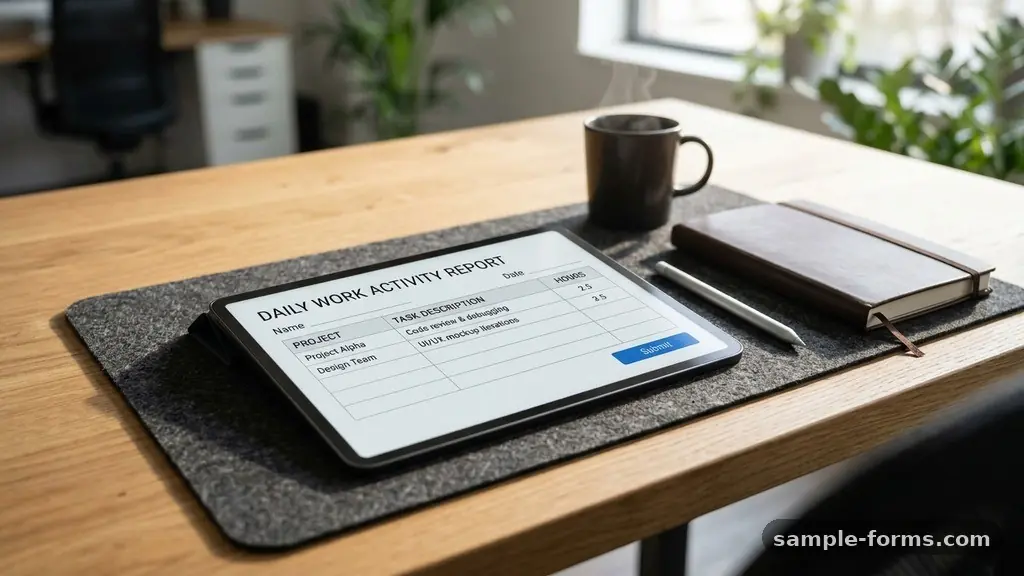
Mastering the art of creating a Daily Work Activity Report Form allows teams to track progress and maintain transparency without feeling micromanaged. By documenting daily accomplishments and challenges, you establish a clear record of productivity that benefits both individual contributors and management. This process helps identify bottlenecks early and ensures that everyone stays aligned with broader organizational goals.
Whether you are managing a remote team or looking to improve your own time management, a well-structured reporting system provides the clarity needed to optimize performance. Implementing these forms effectively turns raw data into actionable insights, helping you refine workflows and celebrate tangible project milestones throughout the fiscal year.
To answer the core question of how to create a Daily Work Activity Report Form, you must prioritize simplicity and consistency. Start by defining the essential fields that capture your unique workflow, such as task titles, time spent, and current status. A standard form should include sections for the date, the specific project name, a brief description of the activity, and the time range.
For many teams, adding a column for obstacles or blockers is vital, as this provides immediate context for why a project might be delayed. Keep the format clean to minimize the time spent on data entry, ensuring that the report remains a tool for productivity rather than an administrative burden.
Essential components for your report
Every effective daily task log requires a few non-negotiable elements to be truly useful. Start with a header that includes the employee name, date, and department to ensure the data is easily sortable. The body of your document should focus on the specific work performed, categorized by project or task type.
Including a field for “Next Steps” or “Priority for Tomorrow” helps maintain momentum and ensures that no task falls through the cracks. By keeping these elements consistent, you create a baseline that makes evaluating performance metrics much easier over time.
Selecting the right platform
The medium you choose to host your reporting system is just as important as the content itself. Many teams prefer a simple spreadsheet template because it allows for easy calculation of billable hours and total time spent per project. Others might integrate these reports directly into project management software, which allows for real-time updates and automatic reporting.
If your organization relies on legacy systems, a shared digital form or a dedicated database might be the most secure option. Choose a tool that fits your current workflow rather than forcing your team to adopt a complex platform that slows them down.
Standardizing your data entry
Consistency is the biggest challenge when implementing any new tracking process. If one person uses vague descriptions like “worked on project” and another provides detailed breakdowns of specific deliverables, the data becomes impossible to analyze. Create a standardized list of activity categories or a dropdown menu to ensure uniform entries across the board.
This structure allows management to identify trends in productivity metrics and allocate resources more effectively. When everyone understands what to record, the resulting data becomes a reliable asset for future planning.
Balancing detail and efficiency
You want enough detail to understand the workload, but too much detail creates a maintenance nightmare. Encourage team members to focus on high-impact tasks and significant project milestones rather than logging every minor email or five-minute interruption. A good rule of thumb is to focus on tasks that take thirty minutes or more to complete.
This approach keeps the report concise while still providing enough information to justify the time spent. Efficiency in reporting is the best way to ensure long-term compliance with the process.
Analyzing productivity metrics
Once you have gathered enough data, you can start looking at the bigger picture. Use your reports to track how much time is spent on core project work versus administrative tasks or meetings. This analysis often reveals hidden inefficiencies that you can address through better scheduling or process adjustments.
For example, if your team spends 40% of their day in unplanned meetings, you have a clear metric that justifies a change in company policy. Data-driven decisions are always more persuasive than anecdotal observations when it comes to operational improvements.
Using reports for performance reviews
A well-maintained report serves as an objective reference during a performance review. Instead of relying on memory, managers and employees can look back at the actual work completed throughout the year. This helps highlight consistent effort, successful completion of complex tasks, and the ability to meet deadlines under pressure.
When the review process is based on documented performance, it becomes a constructive conversation about growth rather than a subjective critique. It provides a fair, evidence-based foundation that builds trust between supervisors and their staff.
Addressing common implementation hurdles
Resistance to new reporting requirements is common, often stemming from the fear that it will be used for micromanagement. Address this by being transparent about how the data will be used and emphasizing its role in supporting the team’s success.
Frame the report as a tool for advocacy, helping to justify additional headcount or budget when the data shows that the team is at capacity. When employees see that their reports lead to tangible changes—like fewer meetings or better tools—they are much more likely to support the process.
Comparing reporting formats
Different teams require different levels of depth in their tracking, and there is no single “correct” format for every business. The following table provides a comparison of common reporting structures and their typical use cases:
| Format | Best For | Key Benefit |
|---|---|---|
| Simple Spreadsheet | Small teams / Freelancers | Maximum flexibility and ease of use. |
| Integrated PM Tool | Large project-based teams | Automated tracking and real-time updates. |
| Daily Email Summary | Remote or asynchronous teams | Encourages reflective, narrative-style updates. |
| Digital Form (e.g., Google/MS) | Data-heavy collection | Structured input that exports to databases. |
Refining your workflow over time
Your reporting system should evolve as your team grows or your projects change. Conduct a quarterly review of the form itself to see if you are still capturing the right information or if you are collecting data that nobody ever uses. If you find that certain fields are rarely filled out or consistently ignored, remove them to streamline the process.
A living document that adapts to your needs is far more valuable than a rigid, outdated form. Always solicit feedback from the people who have to fill it out, as they will be the first to notice if the process is becoming redundant.
Common questions about activity reports
How often should these reports be submitted?
Most teams find that a daily submission is ideal for keeping information fresh and accurate. If daily is too frequent for your workflow, a weekly summary can work, but it often leads to less accurate time tracking.
Should I include personal task management in these reports?
It is generally better to focus on professional deliverables that contribute to company goals. Keep your personal task management separate unless your role is highly autonomous and requires total transparency.
What if I have a day with no “major” accomplishments?
It is normal to have days focused on maintenance, troubleshooting, or communication. Document these activities clearly, as they represent the necessary work that keeps projects moving forward.
How do I handle sensitive or confidential project info?
Use your company’s secure, internal project management tools rather than public cloud documents. Ensure that access permissions are strictly limited to those who need the information for their job.
Does this process replace a traditional timesheet?
Not necessarily, though they often overlap. An employee timesheet is usually for payroll and billing, while an activity report is for project status and workflow analysis.
Conclusion
Establishing a clear and consistent method for creating a Daily Work Activity Report Form is a powerful step toward improving team transparency and operational efficiency. By focusing on essential data points and keeping the process simple, you ensure that your team spends more time doing the work that matters and less time documenting it. Use the insights gained from these reports to make smarter decisions, support your team’s growth, and keep everyone aligned on key objectives.
Start small, iterate based on feedback, and you will soon find that these reports become an indispensable part of your daily routine. If you need help tailoring these forms to your specific industry, feel free to reach out and share your unique challenges.